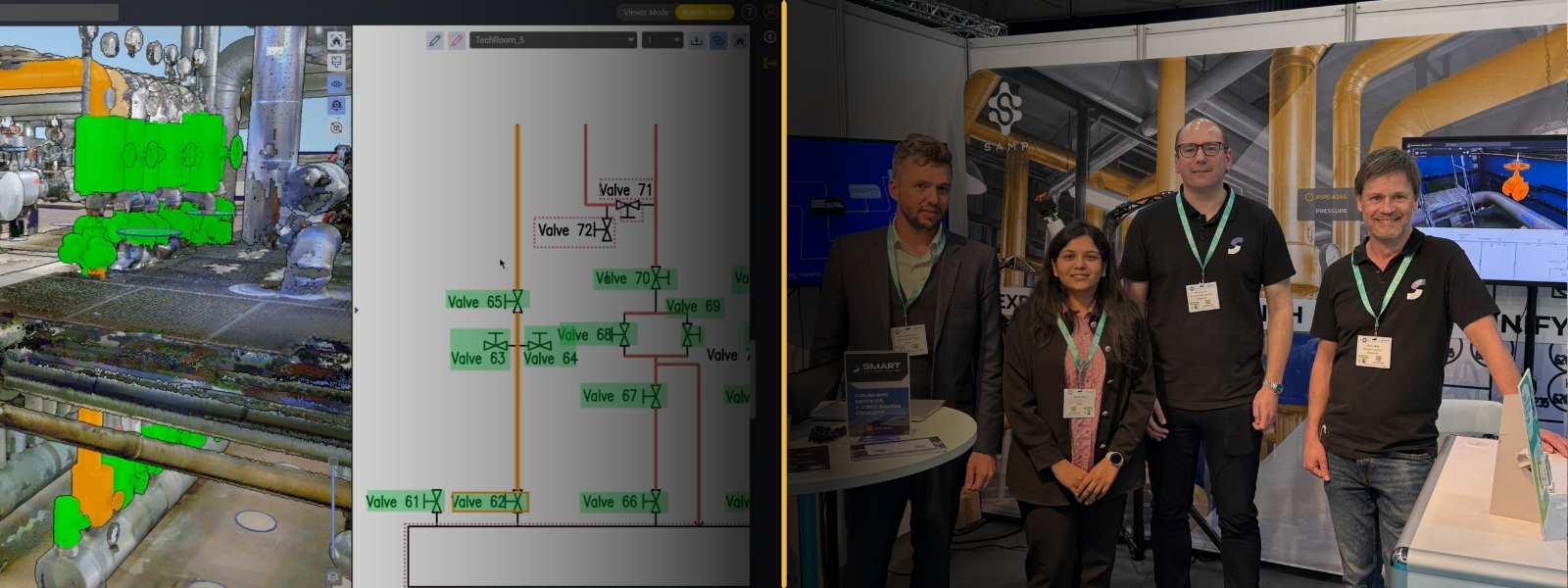
2025.04
At Samp, progress means making complex industrial data easier to use, not more complicated. With Shared Reality 2025.04, we’ve focused on sharpening everyday interactions with your sites – helping teams see faster, understand better, and act with greater confidence, whether they’re in the field or in the office.
Shared Reality 2025.04 is here! This release brings many improvements to how users explore, enrich, and manage their 3D reality. From instant visual feedback with 3D Glow, to richer context through 360° imagery, smarter 3D Business Intelligence, and new Forms for structured data capture, every update is designed to reduce friction in daily operations and improve the quality of decisions made on real assets.
Samp continues to deliver practical, field-ready innovation: clearer navigation, better situational awareness, and stronger control over asset data, all directly connected to the physical reality of your facilities.
Explore what’s new in this release and see how Shared Reality helps teams work faster, safer, and with greater trust in their technical information.
Sites thumbnails
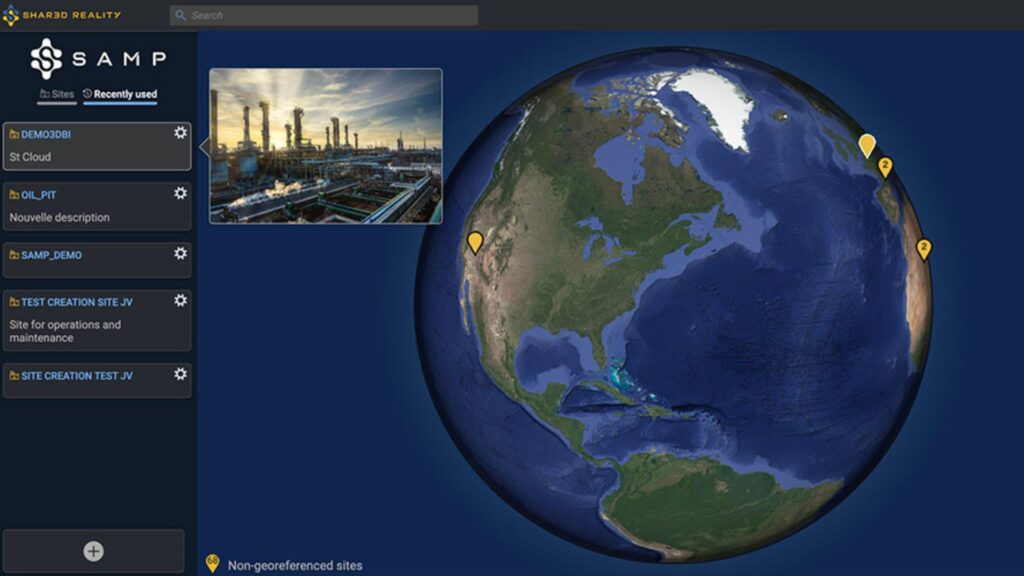
You can now attach an image to your sites and preview it instantly in the Globe Navigator. A simple mouse-over reveals the image, making exploration and understanding of your sites faster and more intuitive.
3DGlow
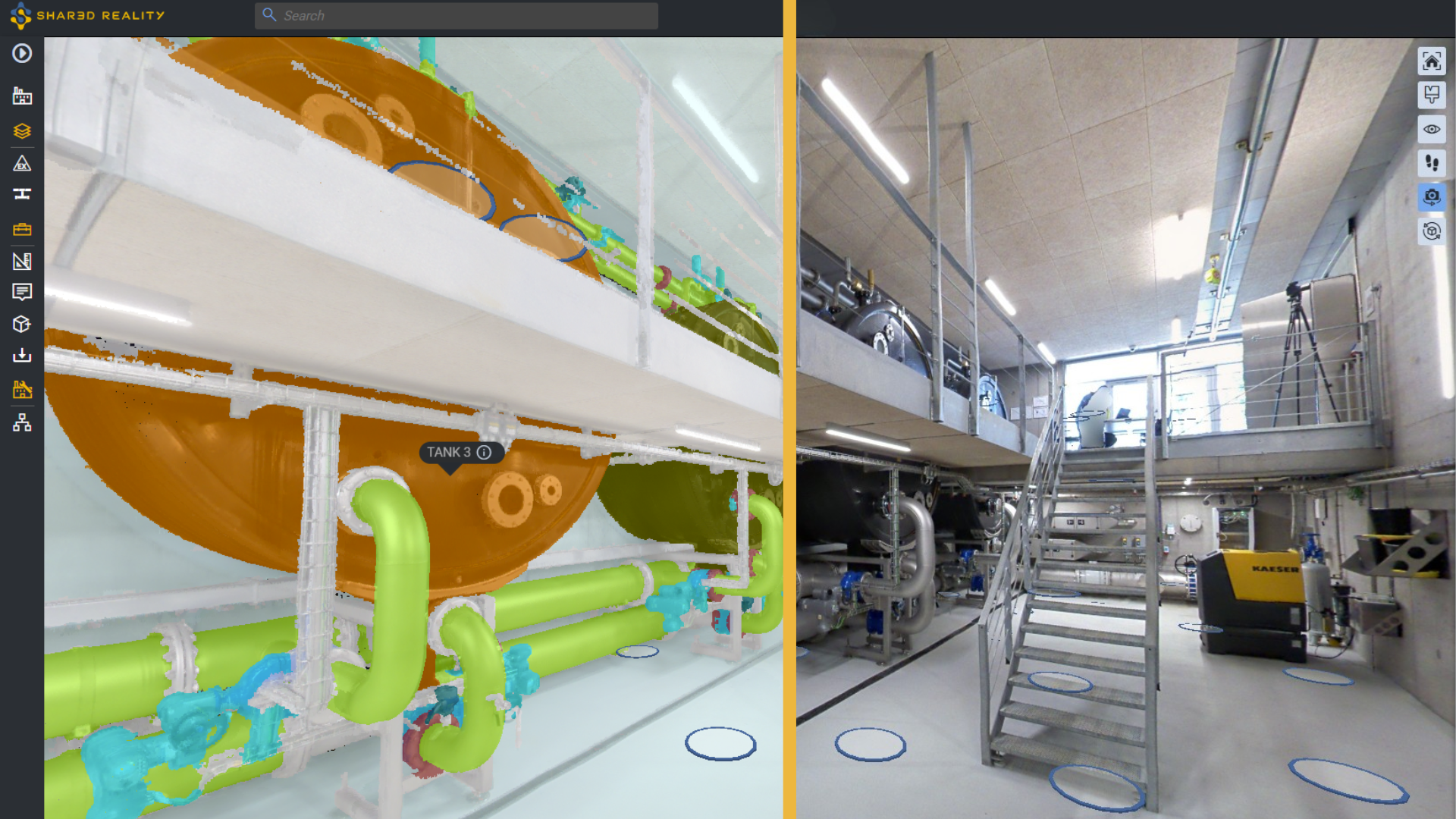
Exploring your complex facilities just got easier. With 3DGlow, every piece of equipment and piping in your 3D view responds instantly as you move your mouse. A simple click gives you immediate access to tag numbers, detailed information, and hide/show actions to keep your view clear and focused.
360° images
360° panoramic images bring unmatched precision and context to your 3D Reality, helping you interpret every detail with greater accuracy. You gain sharper insights and a better understanding of your facility, while still taking full advantage of the powerful capabilities you already know, such as colorization mode, asset selection, and 3D Business Intelligence.
Forms
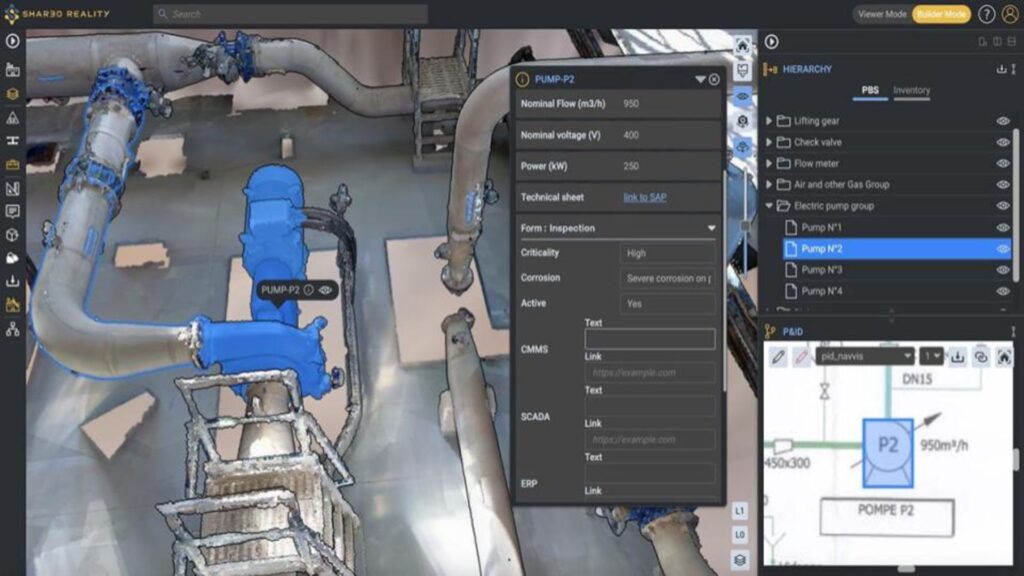
From field inspections to inventory tracking, build forms for asset attribute editing. Read, enter, and update forms data. Effortless to configure and intuitive to use, forms supports all attribute types, which can then be leveraged by 3D Business Intelligence to colorize and analyze your 3D assets.
3D Business Intelligence
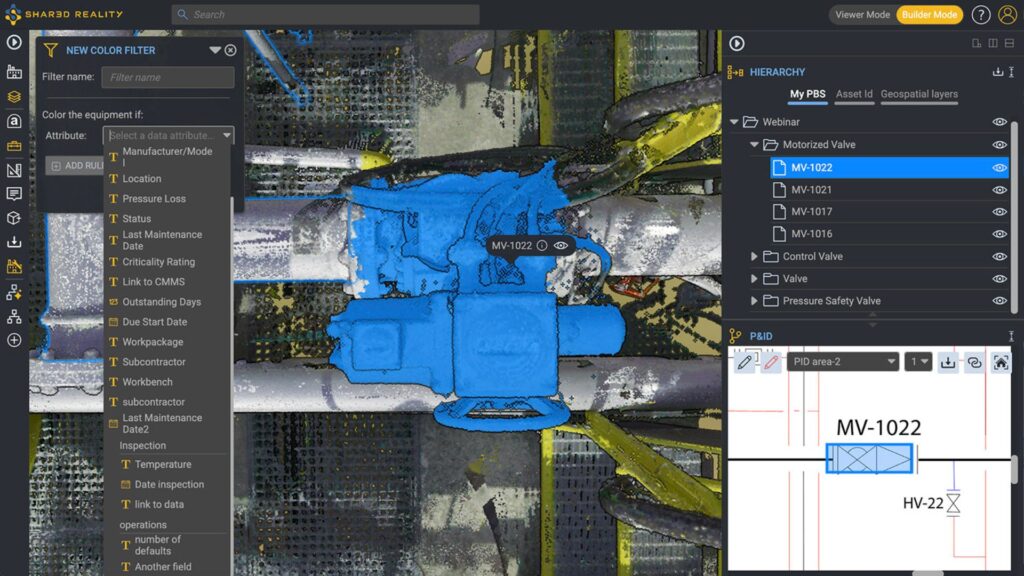
The new 3D Business Intelligence (3D BI) attribute visualization makes it easy to identify data types at a glance, while clearly distinguishing your equipment list attributes from those created in Forms. 3D BI has never been easier!
GeoLayers
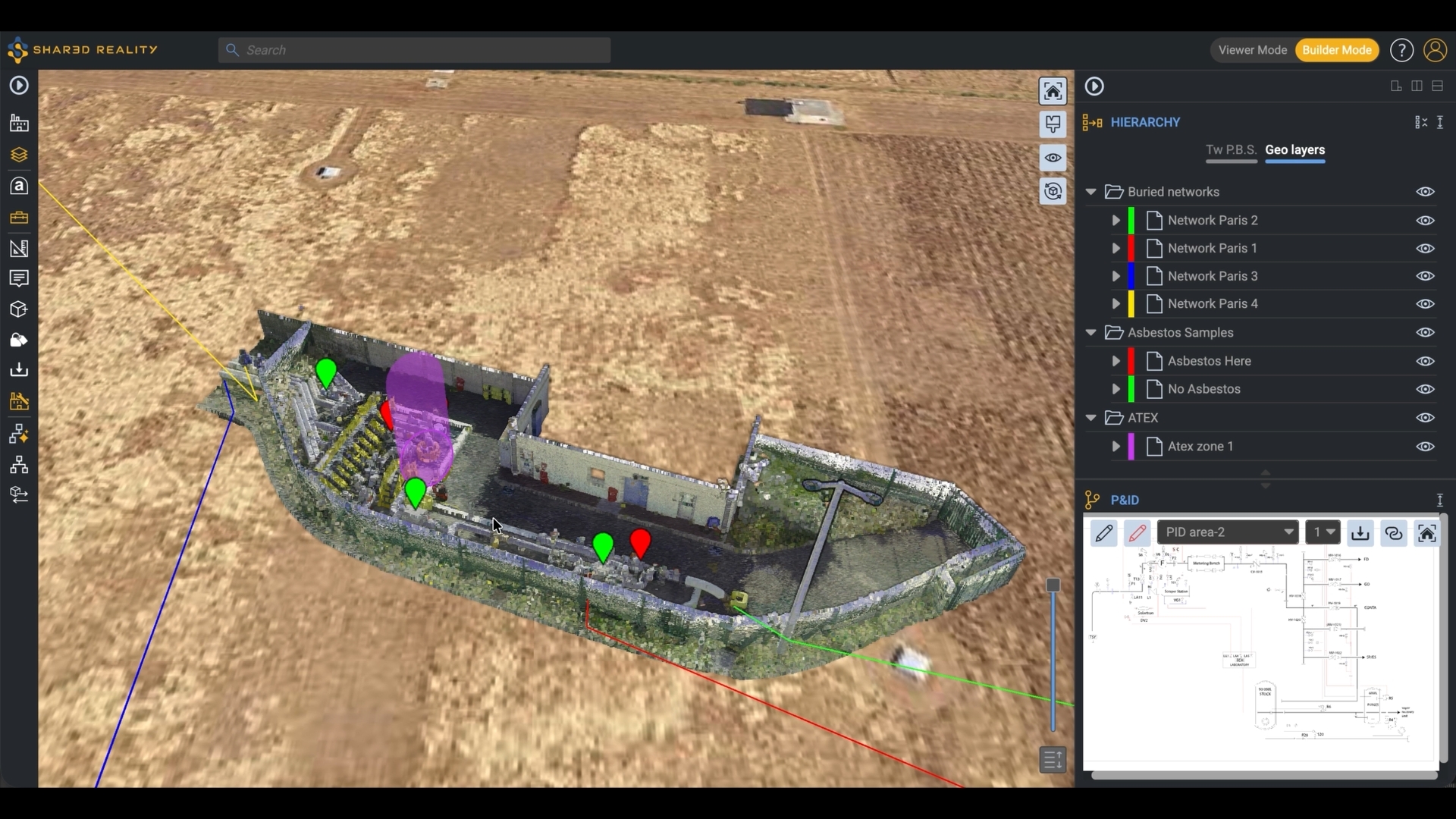
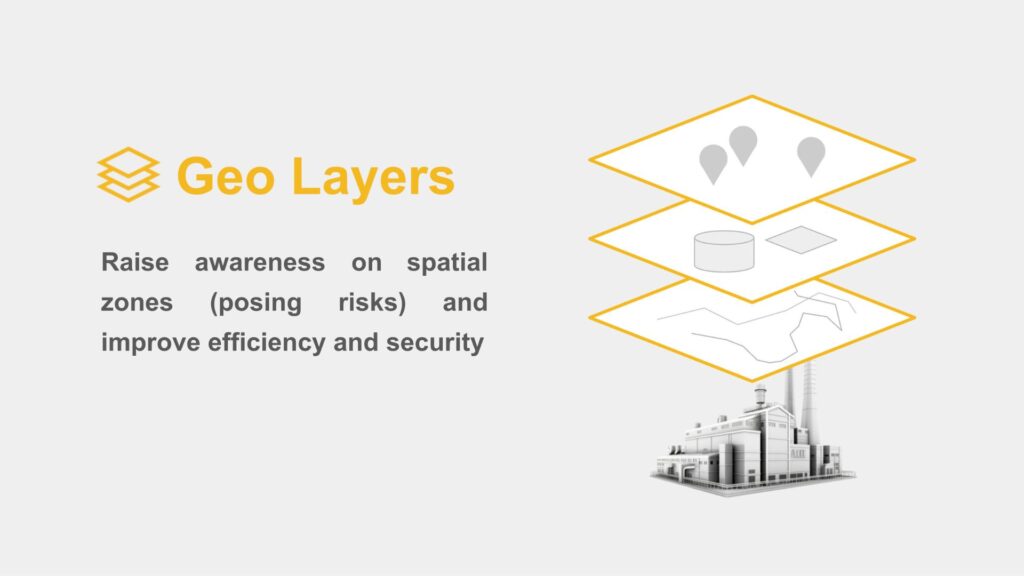
Shared Reality can now display a wide variety of geospatial information using rich 3D representations. This makes it easier to identify areas that may pose risks (ATEX, confined spaces, asbestos/lead, methane leaks and more), visualize buried networks, and improve both operational efficiency and overall security.
Area administration
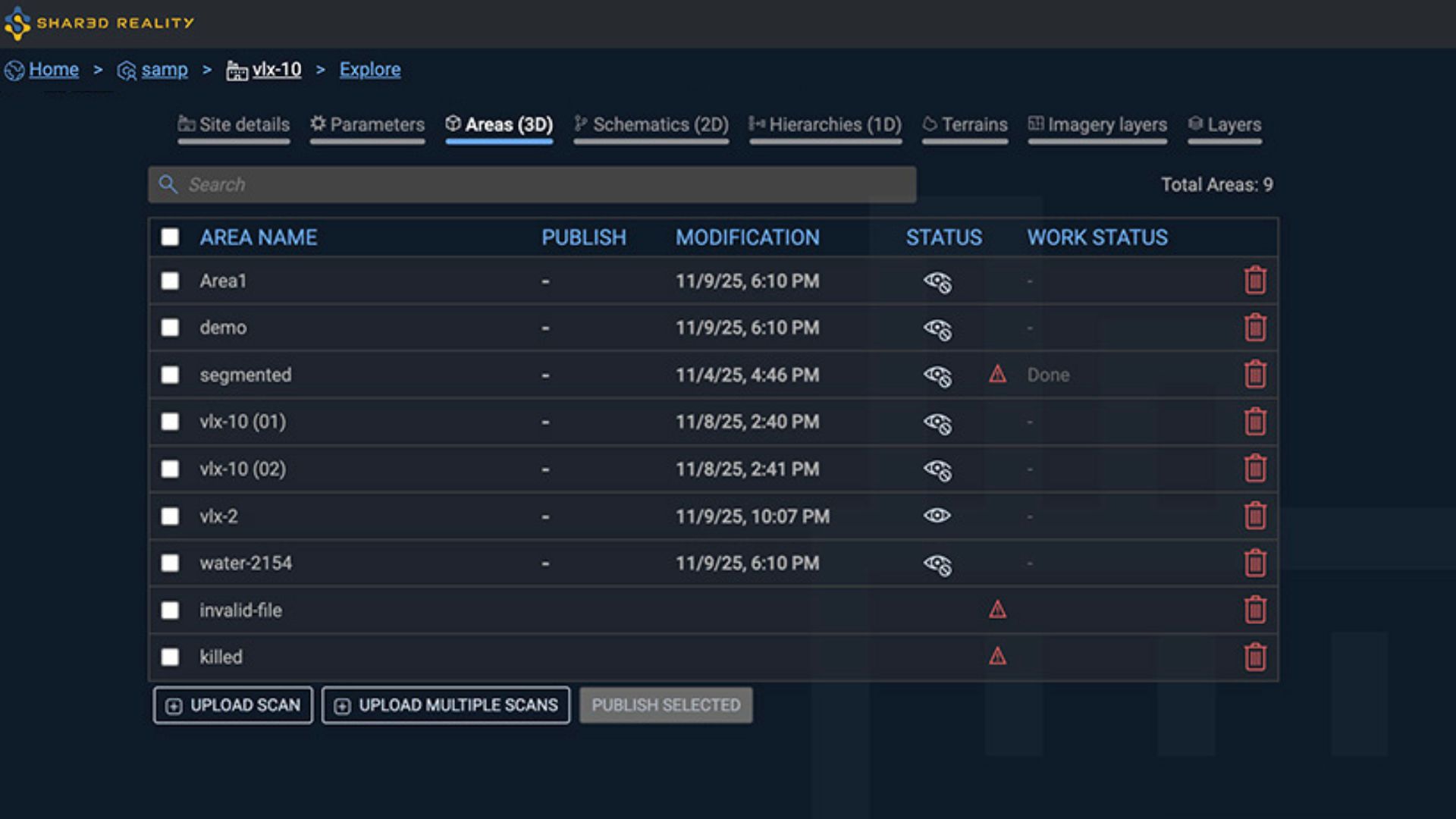
Search directly in the Area list and access richer Area details, now including scan management with the number of 360° images, the number of points, point cloud density, color histograms, and more.
Additional Capabilities
- 2D Assetizer upgrade. The 2D processing is now faster and the detection is more accurate towards meaningful symbols.
- Hierarchy expand / collapse all. Instantly expand or collapse your entire hierarchy with two new dedicated buttons.
- PBS renaming. You can now rename your PBS directly from the Site Admin, making easier to maintain clarity across projects
- Redlining upgrade. Drag text boxes freely, paste text directly from your clipboard, and link any redlining symbols to 3D Asset or 1D Asset hierarchy. Less limits, less constraints, just more instant control.
- Imperial units support. View your measurements in inches, feet, and more! This is available in Settings dialog box.
- New classes detection are now clearly displayed within the taxonomy (in Linking dialog), making classification simpler and more intuitive.
- ‘Site Location’ becomes ‘Site Description’, now searchable and displayed in the Globe chooser.