2026.02
Every Shared Reality release is designed to make industrial information easier to trust, manage, and use.
Shared Reality 2026.02 introduces new capabilities that simplify how teams maintain, structure, and access trusted asset information across their facilities. From keeping P&IDs up to date without losing intelligence, to strengthening enterprise integrations, simplifying user administration at scale, and making complex 3D environments easier to navigate, this release helps organizations work more efficiently while keeping operational data connected and up to date.
Discover what’s new and see how Shared Reality continues to help industrial teams work smarter, collaborate more efficiently, and keep trusted operational data connected across the enterprise.
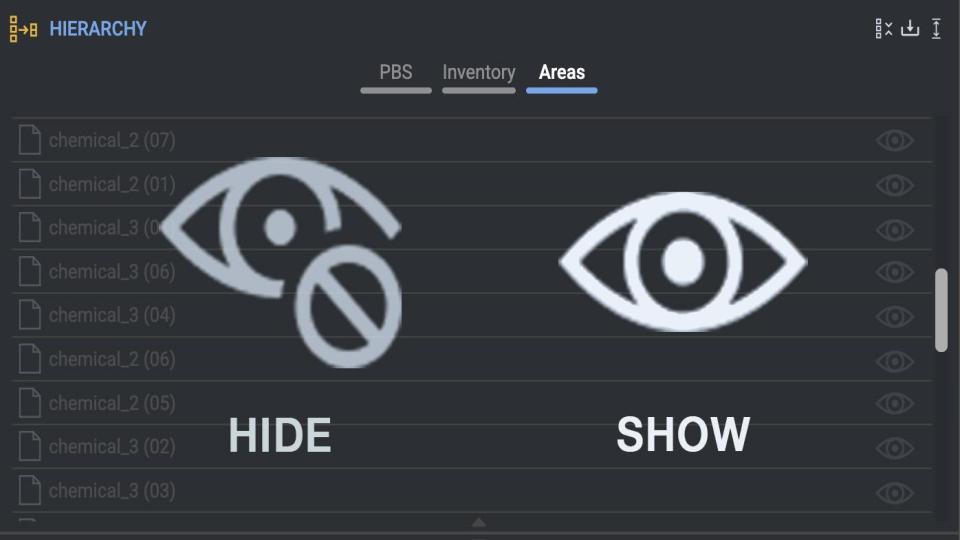
Hide/Show 3D Areas. Focus on what matters.
Gain better control over your 3D environment with the new Hide / Show Areas capability. Focus on what matters most, reduce visual clutter, and simplify navigation across complex environments.
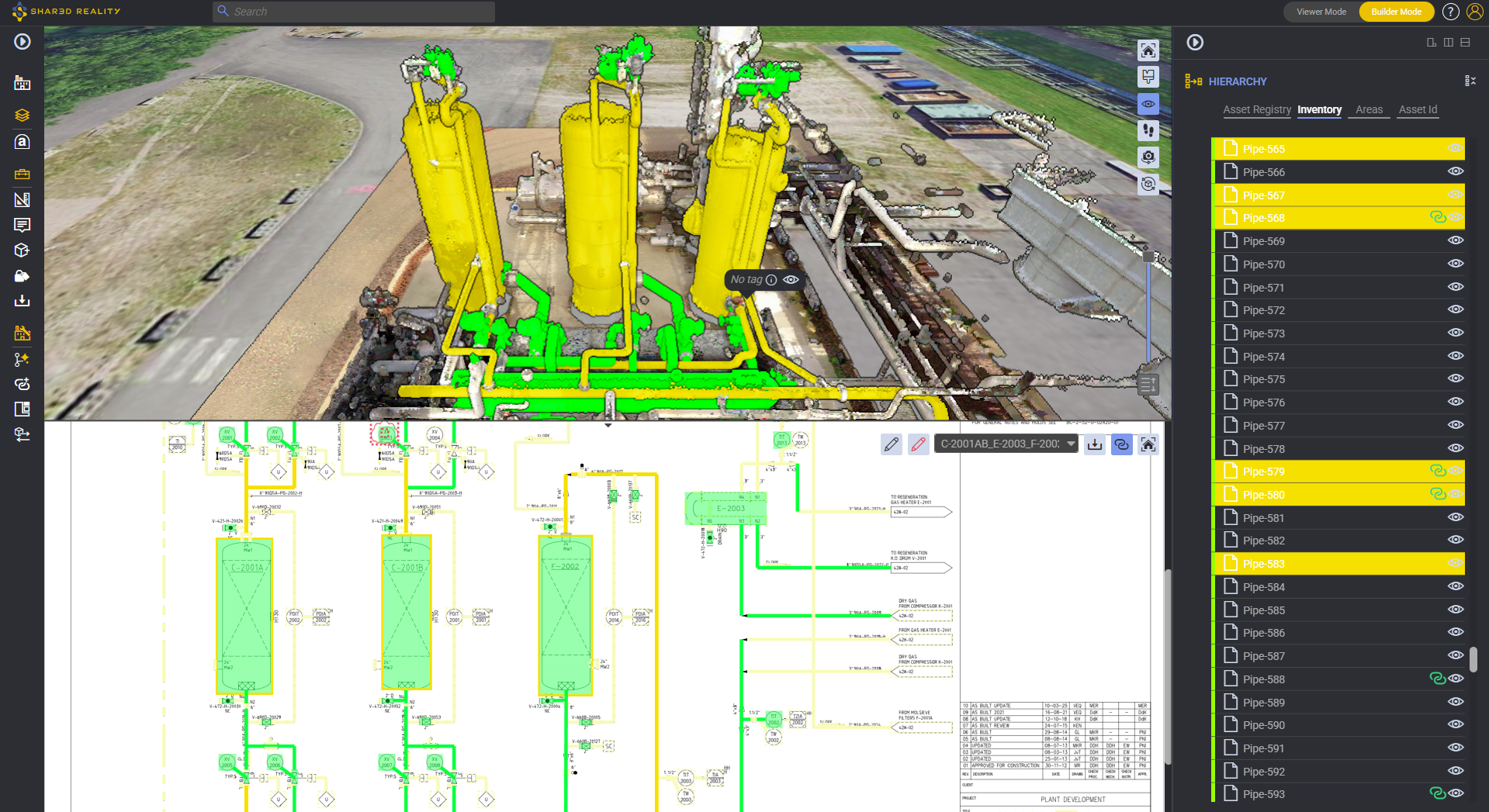
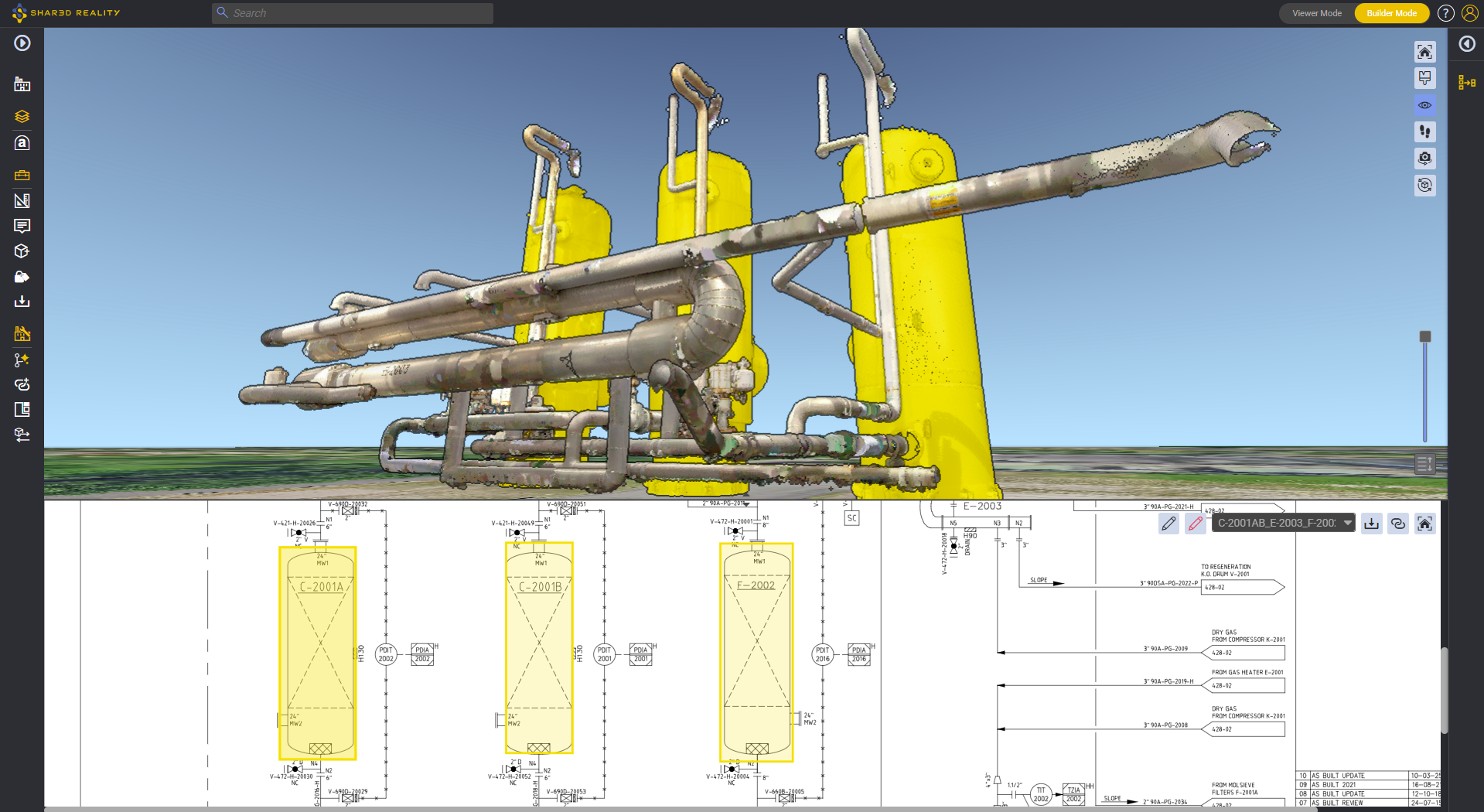
Update your P&ID. Keep the intelligent layer.
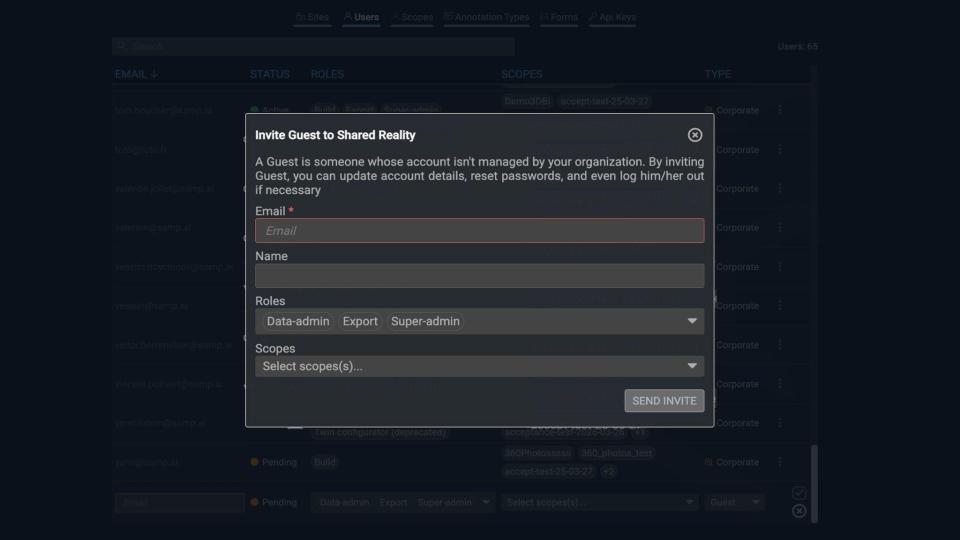
Further streamline the P&ID revalidation workflow! P&ID update allows you to upload revised drawings after drafting corrections while preserving the Intelligent Layer generated by the 2D Assetizer.
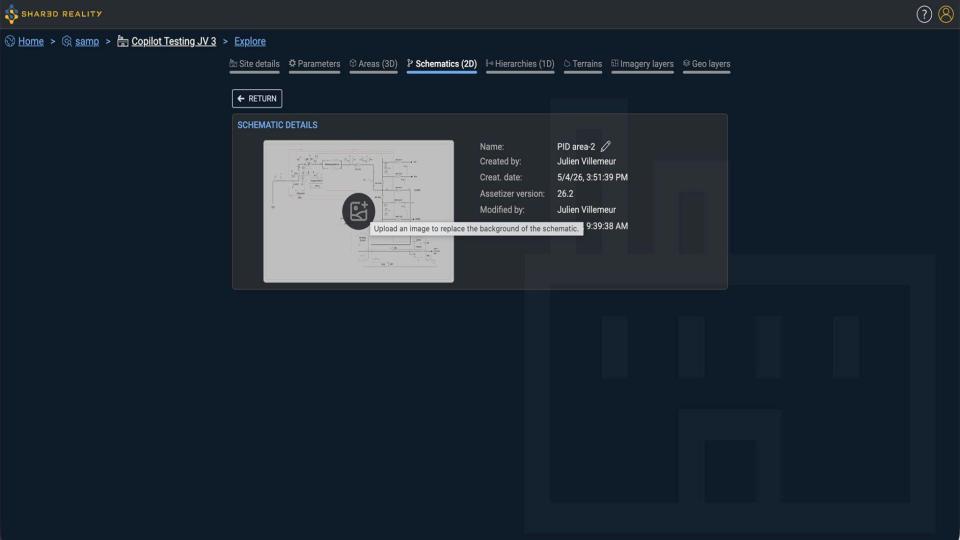
Bring context to your 3D with the annotation API.
Designed to integrate seamlessly with your workflows, this new API makes it easier to create, list, and manage annotations with precise spatial positioning (X, Y, Z) and rich images, providing better context and collaboration.
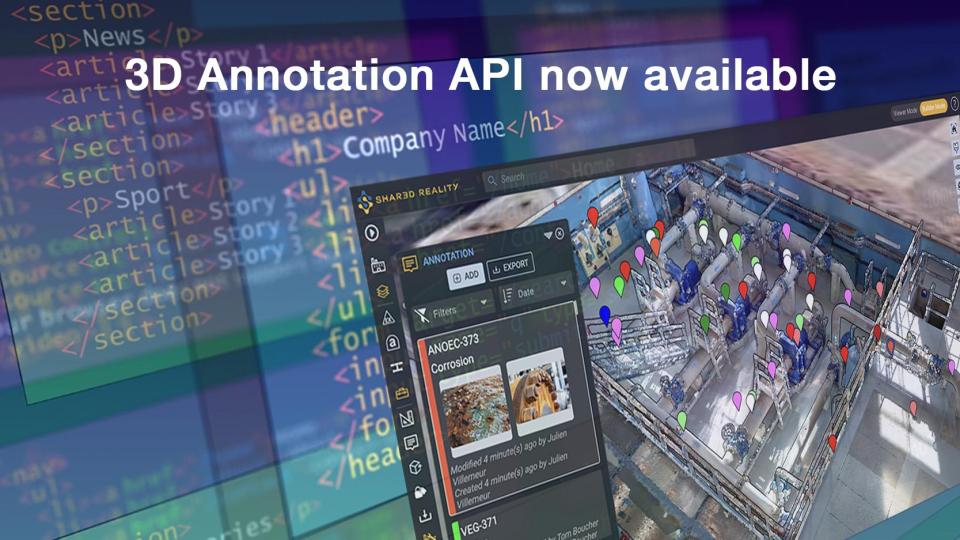
Structure your assets with API-driven hierarchies
Parent, Child, Node, Root… the API now enables the creation and navigation of hierarchies, making it possible to build and manage Plant Breakdown Structures. This new capability streamlines CMMS integration and ensures consistency with existing asset structures.
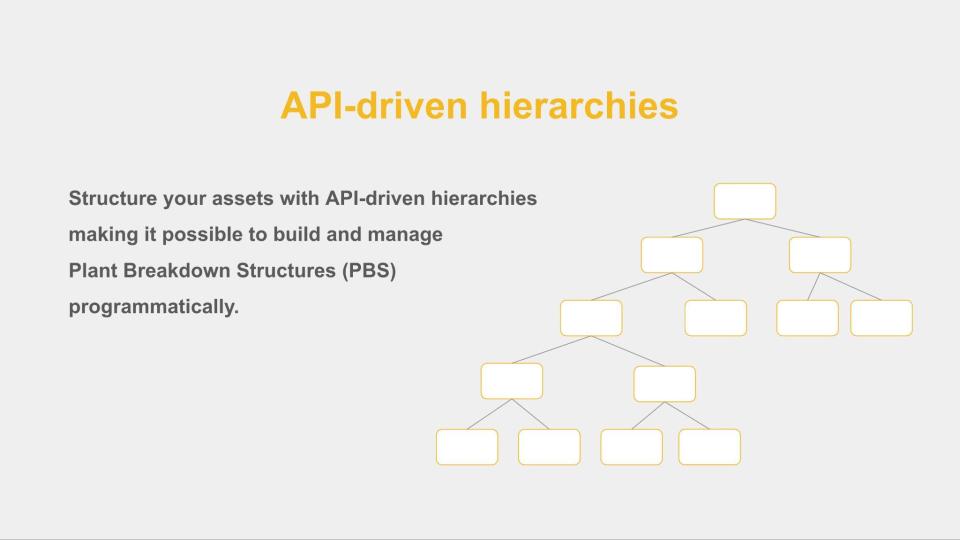
Easier user management for large organizations
You can now invite non-SSO users (guests), where permitted by your security policy. You can also assign multiple users to a scope at once, making large-scale user management faster and easier.
Additional Capabilities
- Add Scopes and Group Sites – Group multiple sites under a common perimeter and manage user access at scale. Simpler administration. More scalable access management.
- Enhanced User Export – Gain deeper insights from your user exports and simplify reporting. CSV exports now include additional information such as Status, Type, Name, Creation Date, and Last Connection.
- Geo Layers on Terrain – Geo Layers can now be automatically mapped onto the terrain (MNT) when no Z value is specified, ensuring more accurate positioning of your geospatial information.
- Automatic EPSG Detection in E57 Files – When an EPSG coordinate system is embedded in an E57 file, it is now detected automatically. No more manual EPSG selection, resulting in faster uploads with fewer errors.
- Seamlessly Upload P&IDs Through API – New Schematic API endpoints allow you to automate the ingestion of P&IDs and other schematic documents into Shared Reality. Once uploaded, P&IDs can be automatically assetized by our AI, transforming them into fully interactive schematics.
- Small P&ID UX Improvements. Big Productivity Gains.
- Delete symbols directly with the Backspace key.
- Instantly select the current item in the P&ID search list with the Enter key.
- Improve Intelligent Layer readability with higher symbol opacity.
- Visualize schematics more easily with improved management of the schematics list height.
- Access your P&ID immediately – no more unnecessary page number lists.
- Site Creator for Better Traceability – Instantly see who created a site directly from the Site Details panel.