2026.03
Every Shared Reality release is designed to make industrial information easier to trust, manage, and use.
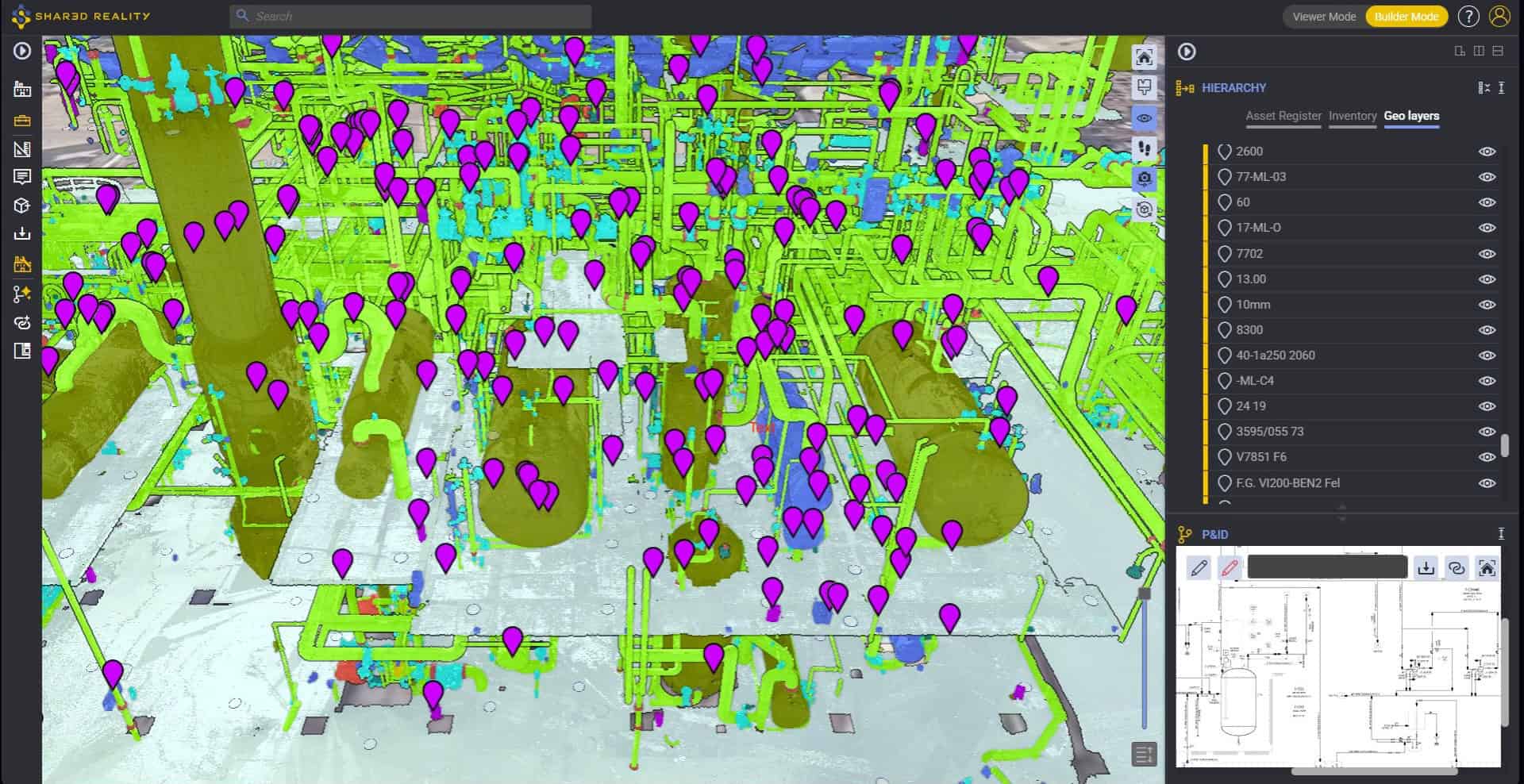
Shared Reality 2026.03 introduces new capabilities that make site verification and asset management faster, clearer, and more intuitive. From AI-guided P&ID validation that traces process lines and catches field discrepancies in minutes, to redesigned tools for 3D segmentation and seamless data linking, this release brings unmatched precision to your plant breakdown structures. With an upgraded Assetizer AI model supporting new asset classes like Heat Exchangers, improved redlining controls, and enhanced API capabilities, this release helps teams maintain true operational alignment between field reality and engineering documentation.
Discover what’s new and see how Shared Reality continues to help industrial teams work smarter, collaborate more efficiently, and keep trusted operational data connected across the enterprise.

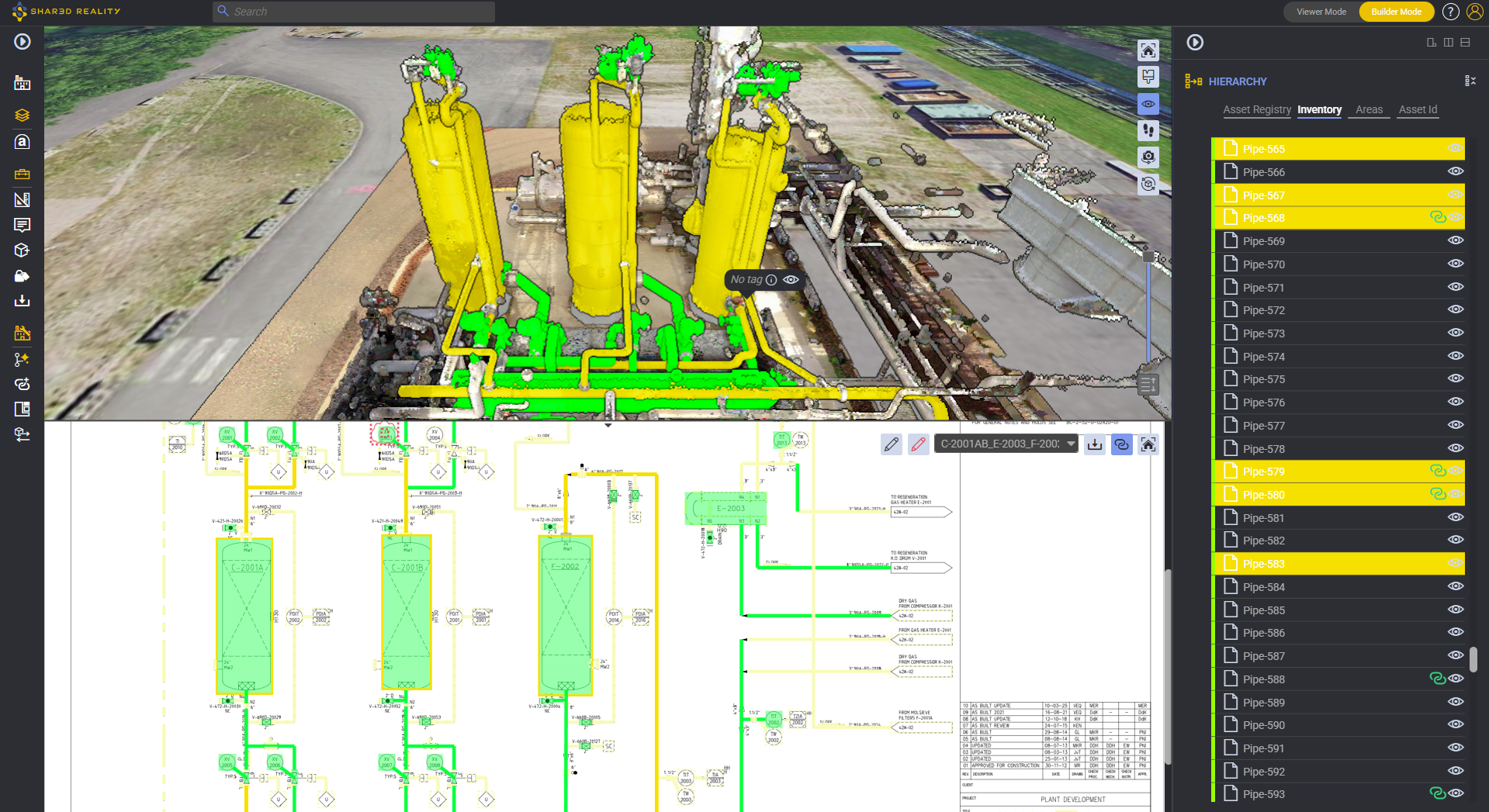
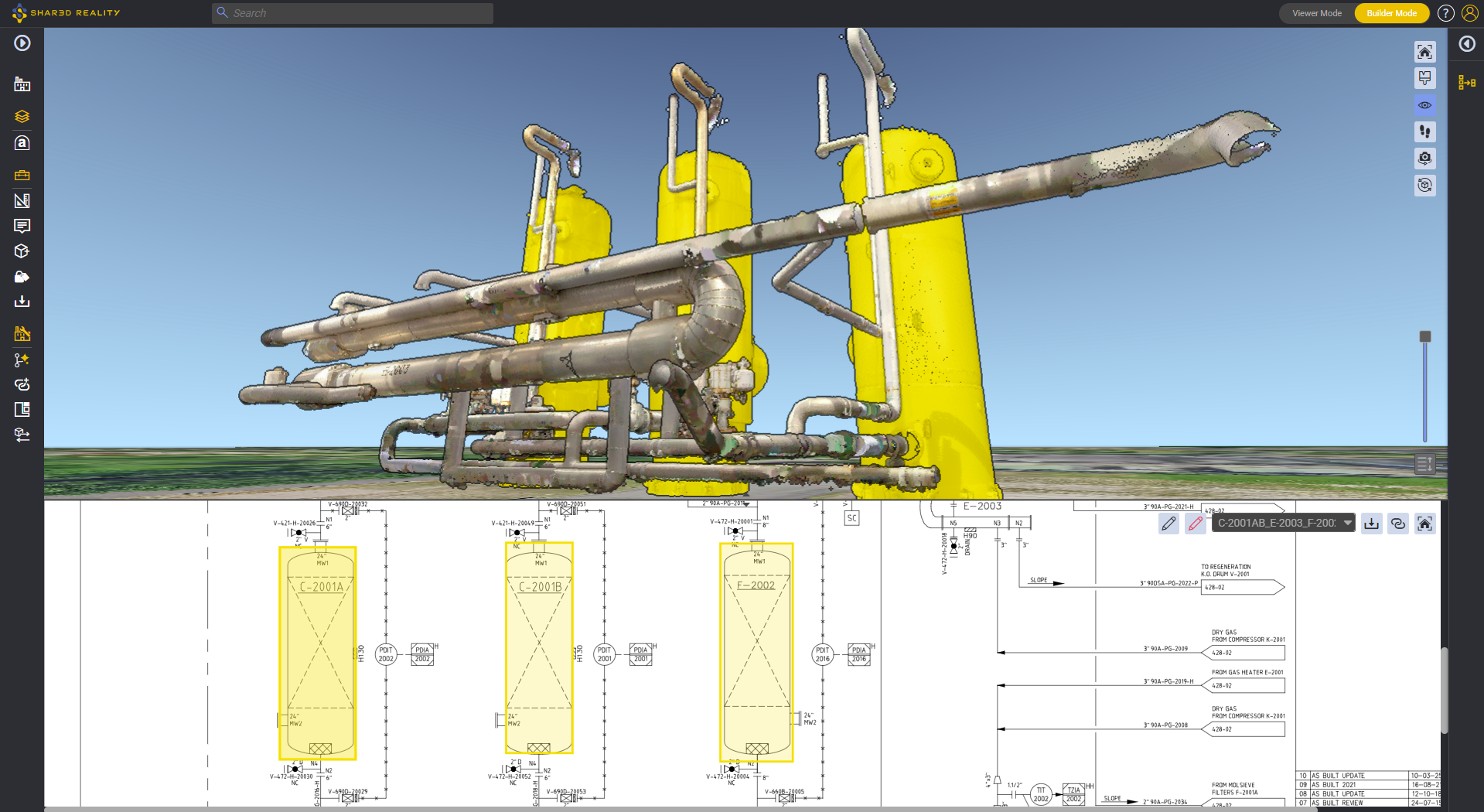
P&ID Validator: AI guides you. Just follow the lines!
What used to take months of walkdowns can now be reduced to minutes of validation. P&ID Validator uses AI to guide you through your P&ID, helping you follow process lines, validate links, and highlight discrepancies between the P&ID and the reality in the field.


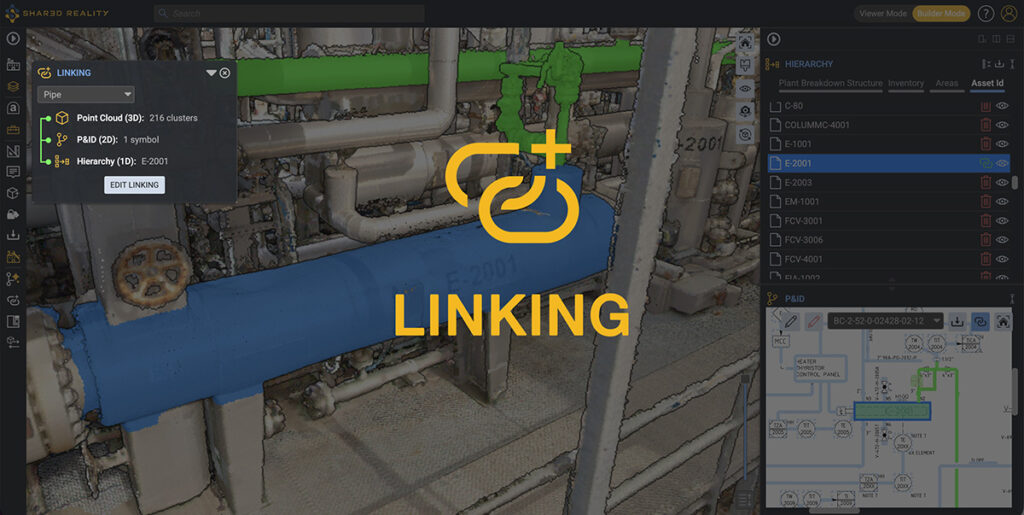
Smarter Linking
The redesigned Linking Tool makes asset linking clearer, faster, and more intuitive. Connect your 3D reality capture with your entire engineering ecosystem from 2D P&IDs and asset hierarchies to technical information.

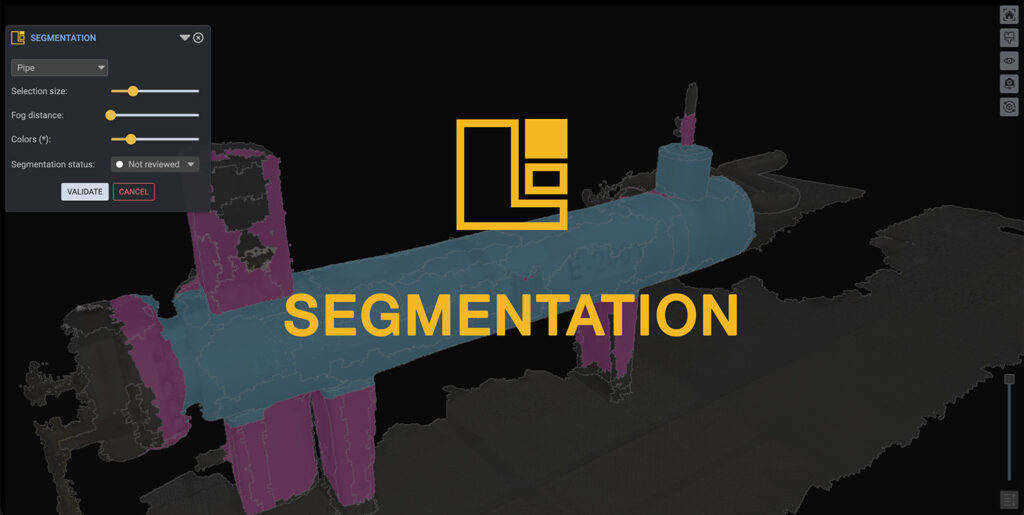
Smarter Segmentation
The redesigned Segmentation Tool makes adjusting 3D object boundaries faster, easier, and more intuitive. Whether you need high precision with the Segmentation Tool or a quick adjustment directly in the 3D Explorer, you can refine an object’s physical shape more efficiently before linking it.
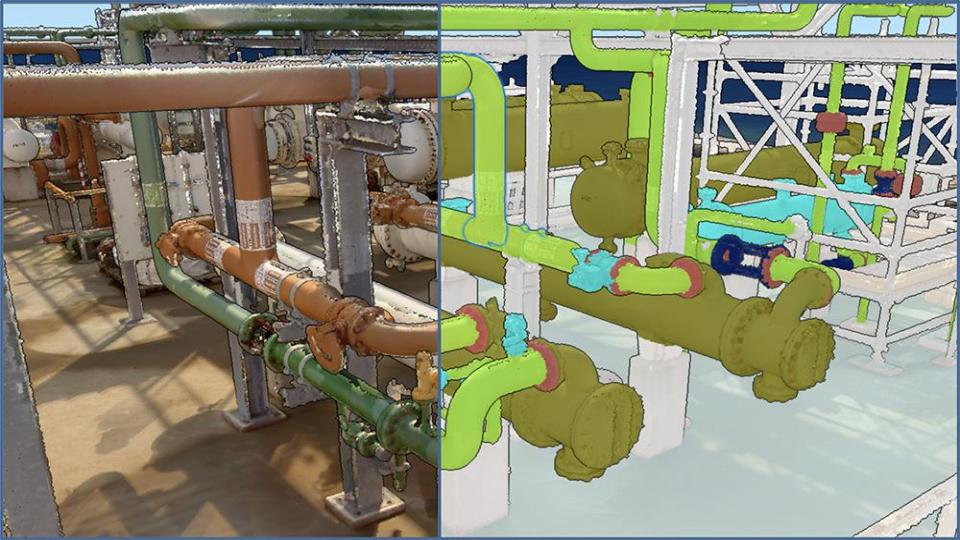
Assetizer 26.3, Smarter AI, Better Results
Introducing Assetizer 26.3, the latest AI model, delivering higher detection rates, broader asset coverage, and support for a new asset class: Heat Exchangers.
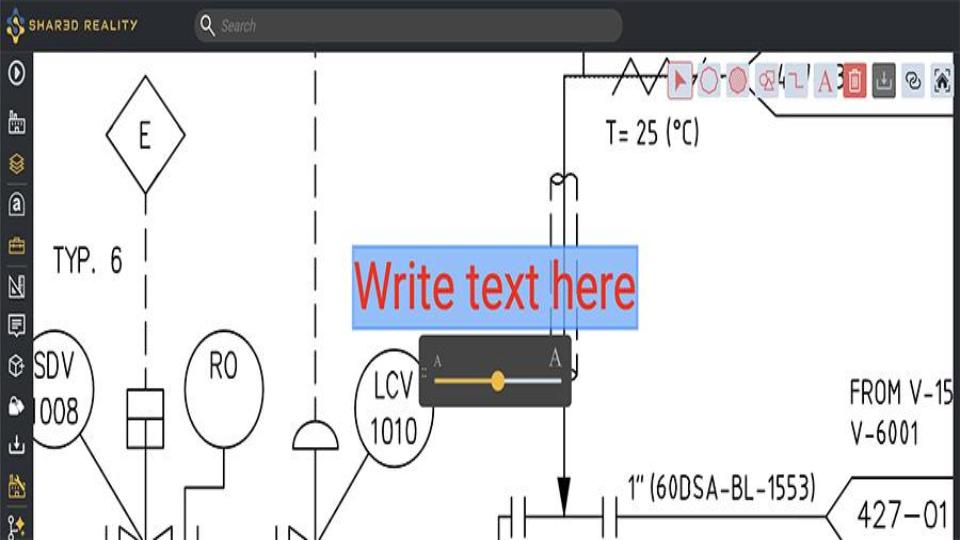
More Control Over Text Size in P&ID Redlining.
The Text Tool now gives you greater control over font size. Instead of being limited to just three options, you can now adjust the font size across multiple steps, creating clearer, more precise redlines.
Additional Capabilities
- Features:
- New Shape Export Capabilities – Creating GeoLayers and persistent 3D objects just got easier.
- Export Basic Shapes – Export basic shapes such as cylinders and spheres as GeoJSON, making it easier to create and populate GeoLayers.
- Export 3D CAD Shapes – Export 3D CAD shapes as georeferenced GLB files, making it easier to create persistent 3D objects directly in Shared Reality.
- New Shape Export Capabilities – Creating GeoLayers and persistent 3D objects just got easier.
- Hyperlinks in GeoLayers – Include clickable hyperlinks directly in the infobox of GeoJSON features for quick access to external resources.
- Larger P&ID Preview – Enlarge the P&ID preview directly from the detail page for a more detailed view.
- Preserve Symbols While Rotating – Rotating 2D redlining symbols now preserves their proportions and visual consistency.
- Redline Clouds No Longer Block Interactions – Redline symbols underneath redline clouds are now fully clickable.
- Clearer P&ID Highlighting – The “Highlight Linked Items” capability now reduces visual confusion by letting you choose the selection color used to display non-linked items, avoiding the default red that could be mistaken for redlining symbols.
- Improved 2D Redlining Symbol Rotation – The rotation icon for 2D redlining symbols has been improved to make interactions more intuitive.
- More Power for Data Admins – Data admins can now update and delete Areas without requiring Super Admin intervention, making 3D Area management easier.
- Smarter Search in Users and Scopes – Search across all columns in both the User and Scope Administration tables to quickly locate relevant information.
- Simpler Guest Access – Guests now sign in using their email address, with invitations clearly reflecting the new process. No more usernames to remember.
- API Updates:
schematic_has_redlining– Manage modified schematics programmatically. You can now check directly via the API whether a schematic contains redlining.- Asset Linking Status – The Asset API now exposes linking information for each asset. New properties indicate whether an asset is linked to 2D or 3D information, making it easier to track linking status and build smarter workflows.